One-tap gym logging.
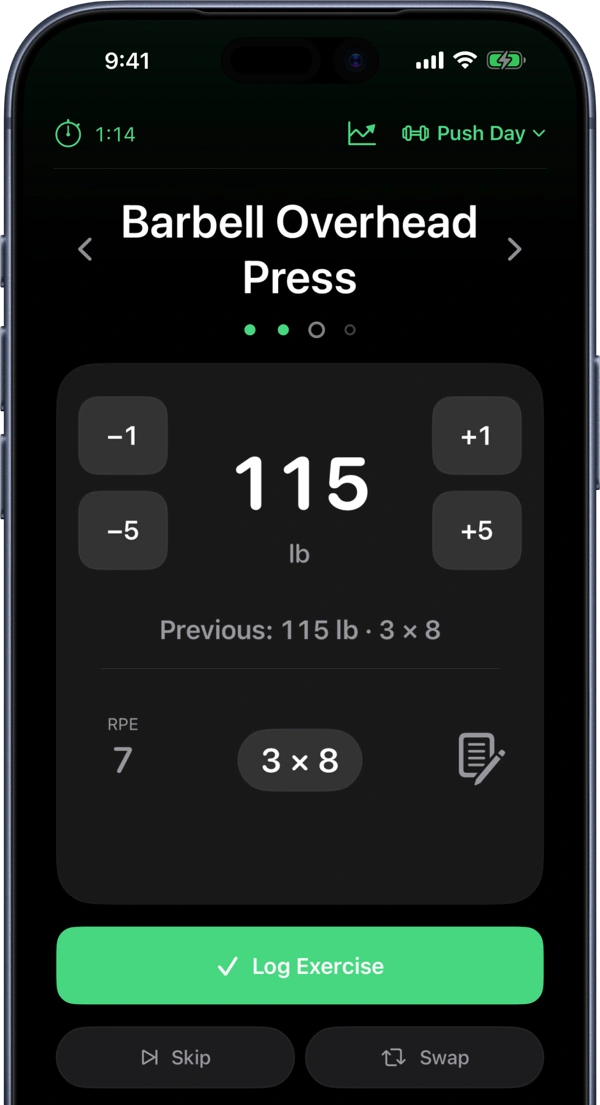
Log whole exercises with one tap
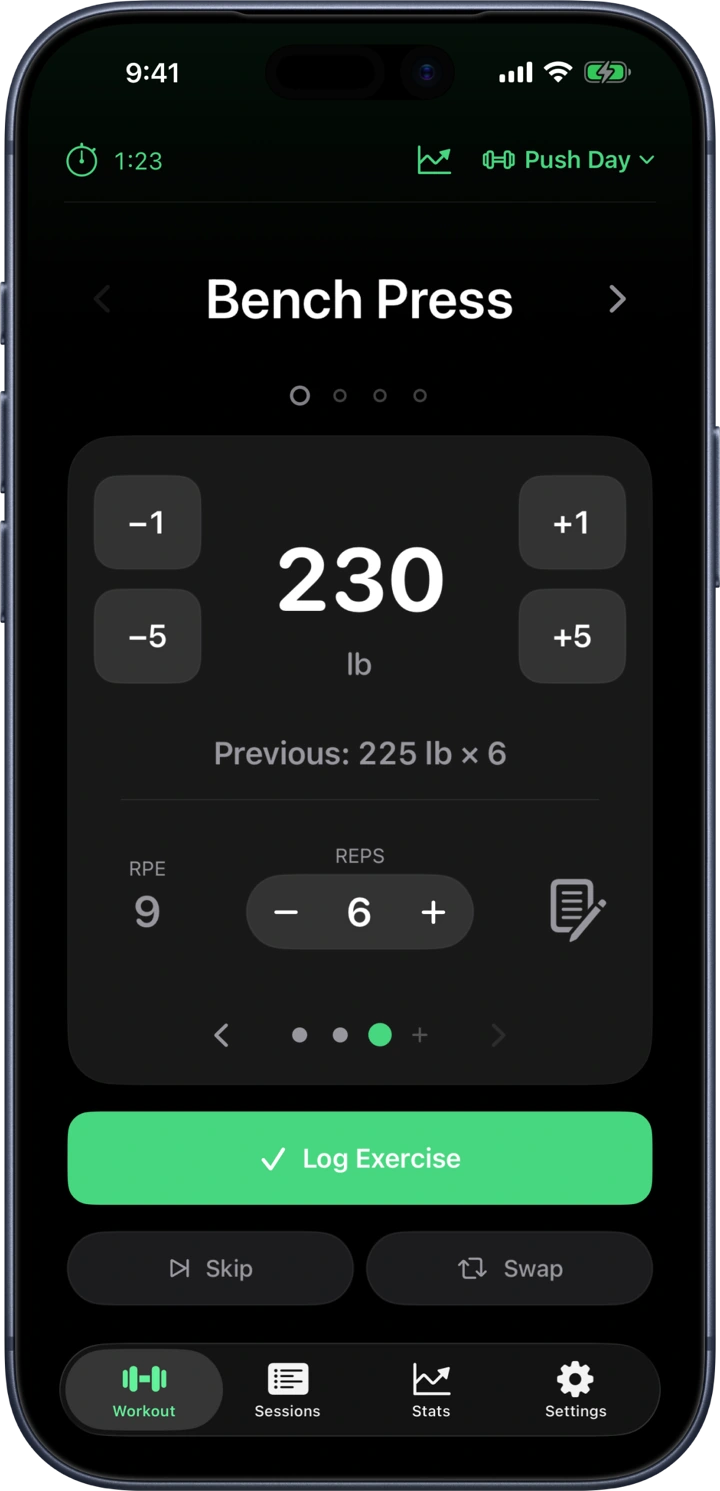
If you do the same weight and reps on every set of an exercise, LiftTracker gives you the option to log one entry for the whole exercise.
Track your progress
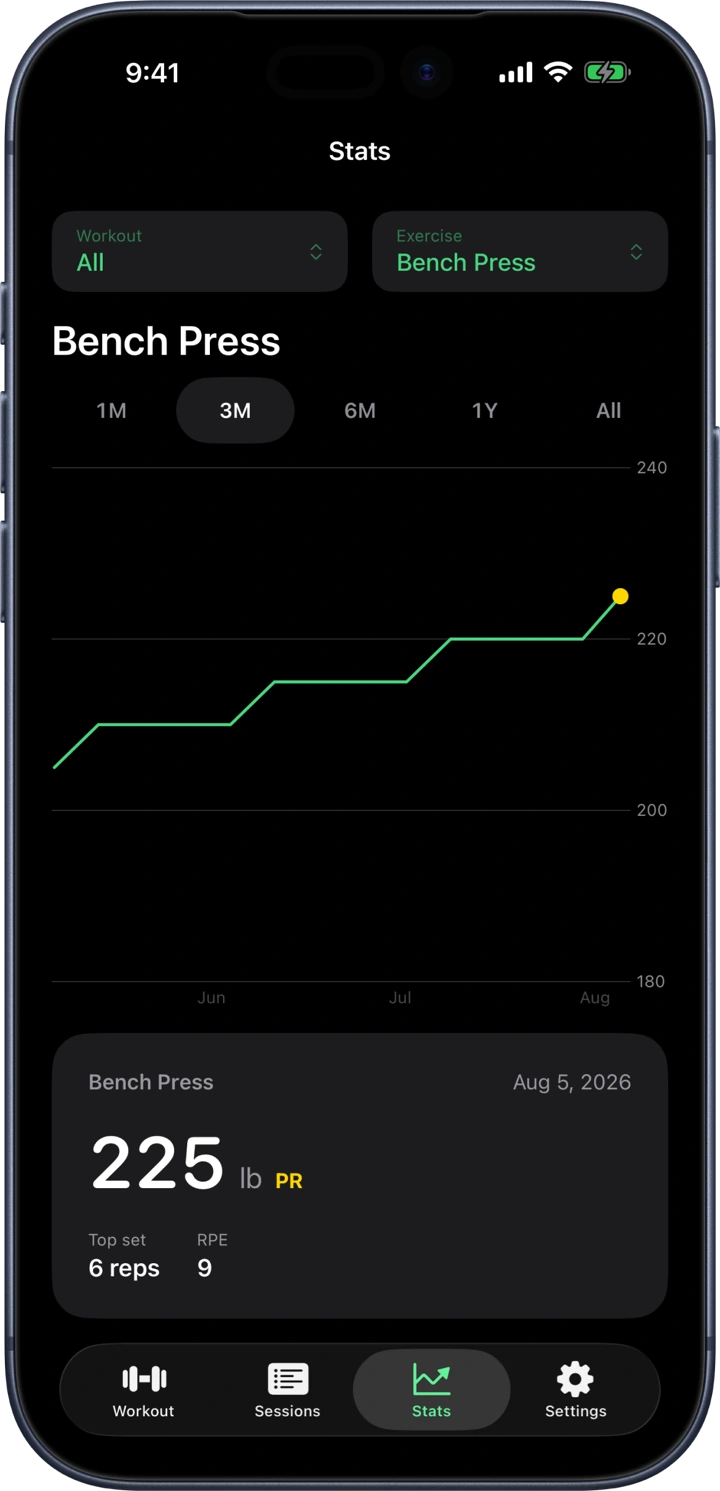
LiftTracker's charts help you analyze your progress in each exercise over time, including your personal records and estimated 1 rep max.
And much more.
Personal records
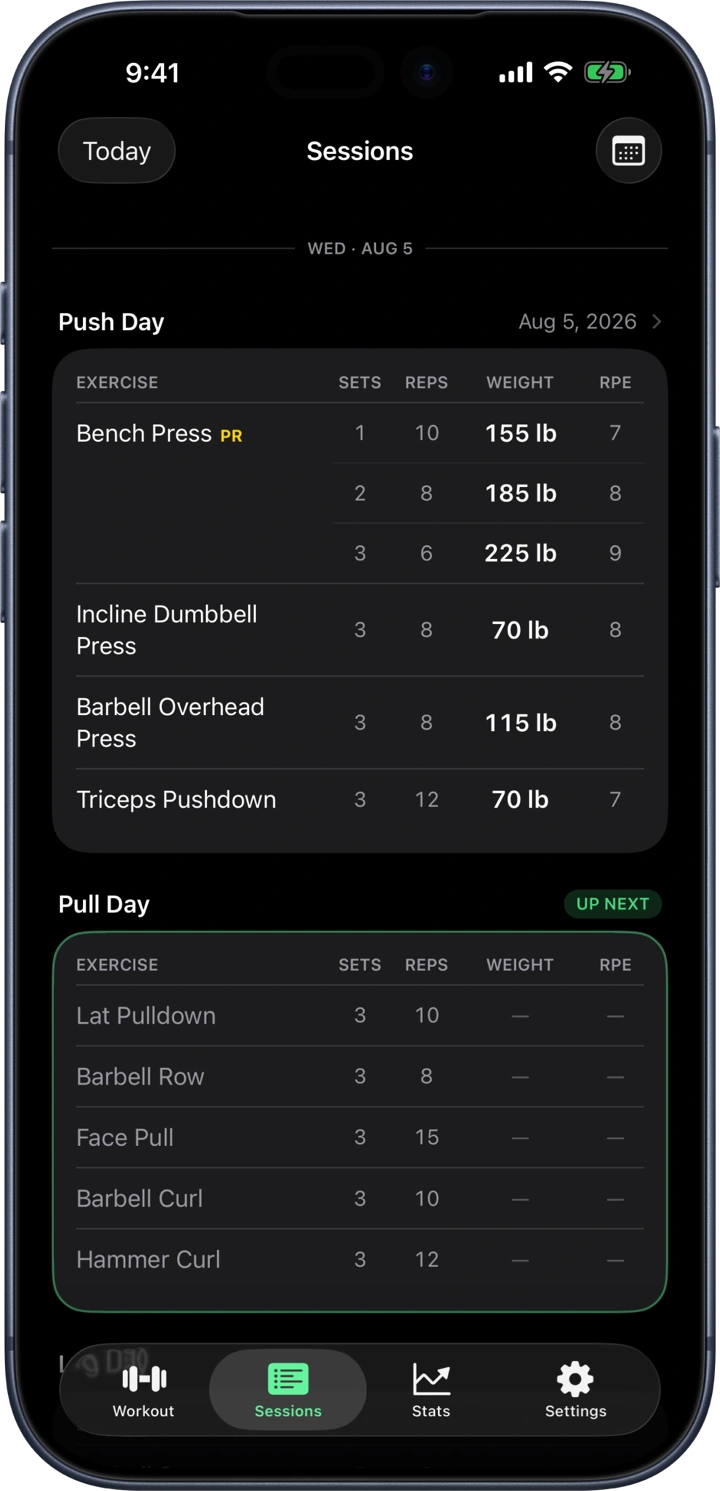
Track your PRs on every exercise.
Plate calculator
No more plate math with the customizable plate calculator.
Full history
Every session you've logged, browsable by cycle or by calendar day.
Rest timer
An optional timer between sets that keeps counting on your lock screen.
Estimated 1RM
An optional projected one-rep max, plotted over your working weights using the Epley formula.
CSV export
Your data is always yours to export whenever you want.
Cloud backup
Your history backs up to the cloud after every session.
Offline logging
Logging works offline and backs up when you're back online, so you never have to worry about spotty gym wifi.
Notes on exercises
Seat heights, machine settings, form cues — whatever you'd otherwise forget between sessions.
RPE tracking
Record how hard a set felt.
Apple Watch
Coming soon
Android
Coming soon